
For who?⚓
Topaze is designed for teachers, instructors, and instructional designers in higher education, secondary education, and continuing education.
For what?⚓
To implement active learning by encouraging independent work by learners: case studies, problem-solving, and serious games.
To create training modules with multiple pathways to adapt to learners’ individual paces.
To develop individualized and personalized modules based on skill level, topic, or other criteria.
What interests?⚓
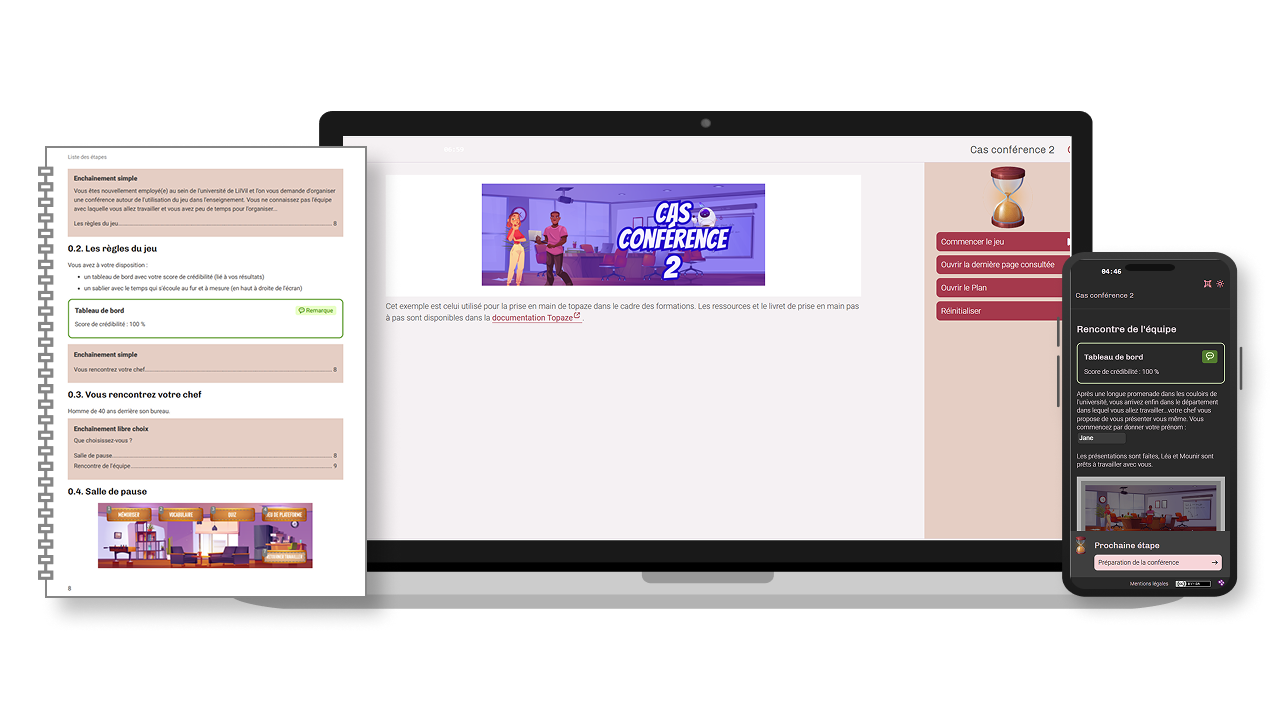
Create a complex, serious game-style learning module without any knowledge of HTML and with minimal technical expertise.
Easily update educational content without having to redevelop the serious game module.
Manage multiple versions of the same module using a filter system.
Optimize the management and updating of information by creating reusable instructional building blocks that can be transferred from one document to another without duplication, simply by recombining content: modifying a building block automatically updates every document in which it is embedded.
Create long-lasting content (XML structure) that can be used regardless of technological changes in web browsers and training platforms.
Standardize publications through automatic document formatting: predefined style guides for each publication type, adaptable to an institutional style guide.
Truc & astuce
Topaze is compatible with Opale: a single content element or a complete Opale module can be used directly in Topaze.
Examples⚓
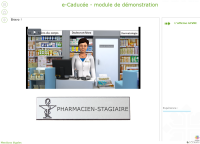
Browse these documents created with Topaze.
Example content⚓
Sources for the “Conference case” are available for download on Topaze’s homepage.
Import them into your workspace; they’ll help you discover Topaze’s key features.
How does it work?⚓
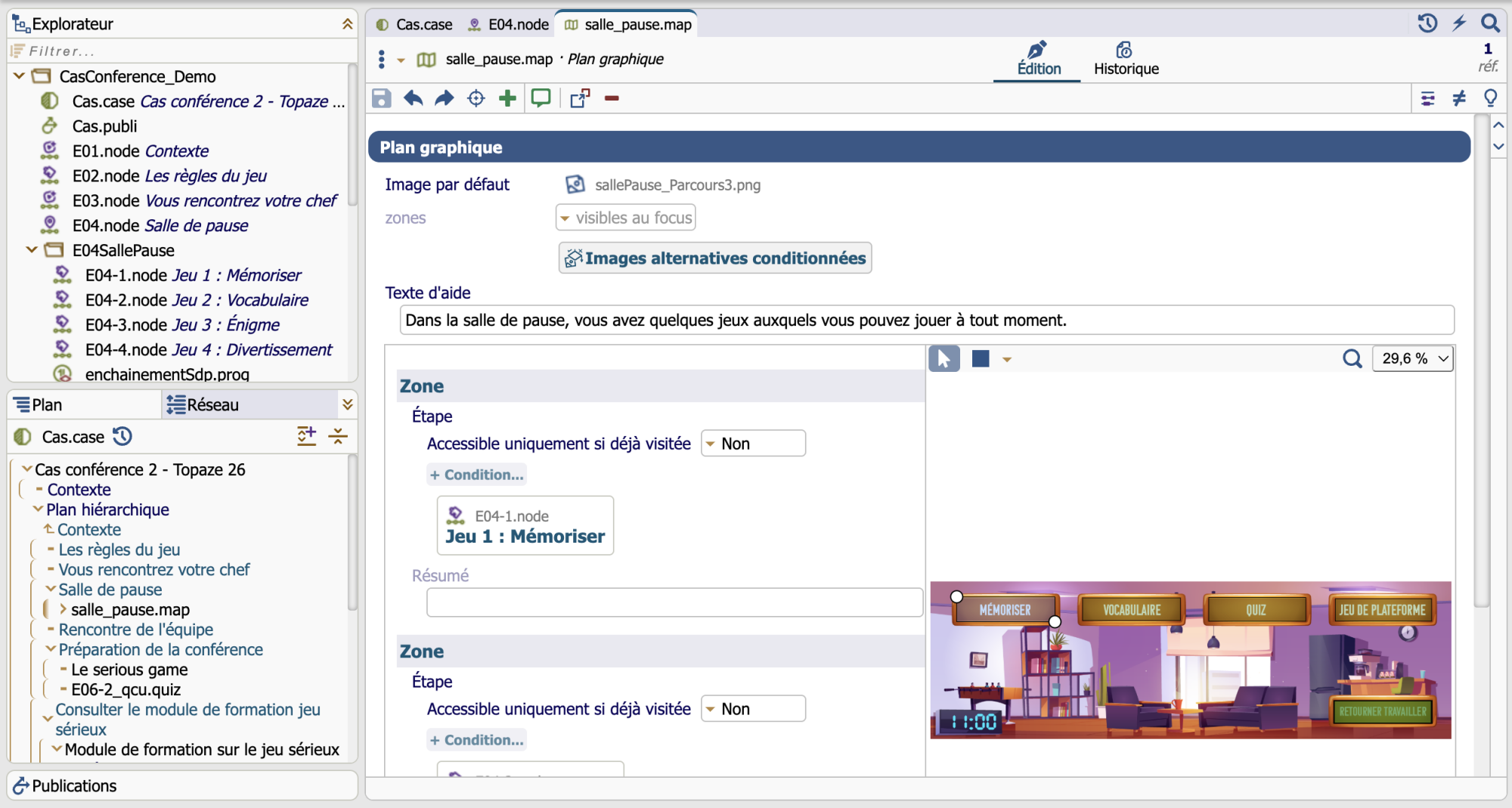
Topaze allows you to build a module step by step, guided by conditional activities: it is the learner’s performance on these activities (quizzes, etc.) that determines the course of the module and unlocks the next step.
The author is guided in defining:
different types of steps: welcome, content, quiz, course module, orientation, media;
sequences: free-form (at the learner’s discretion) or conditional (completion of another step, passing a quiz, etc.).
Which software to choose?⚓
You have the choice between 2 implementation modes:
the wsppack Topaze to install on a SCENARIchain environment,
the desktop application Topaze.
Truc & astuce
Truc & astuceNeed team work?⚓
[Chaine éditoriale] can be installed in client-server mode in your infrastructure or hosted and administered by a service provider.
Localisations⚓
Topaze is available in five languages: French, English, Spanish, Portuguese, and Italian.